

An unlimited creative toolkit
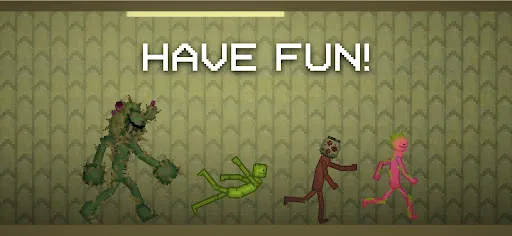
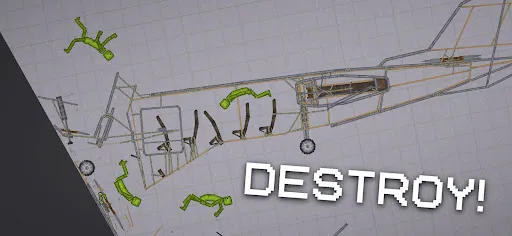
On the left side of the screen, Melon Sandbox provides players with an incredibly rich library of objects. You have “Living” – the characters that serve as the centerpiece of the game – along with a wide variety of ranged weapons, melee weapons, explosives, armor, helmets, vehicles, and countless other items. By simply dragging and dropping them from the object interface on the left into the stage, they instantly become a part of the world you are building.
The objects in Melon Sandbox are not only diverse in quantity but also possess their own operational mechanics. Most of them have hitboxes and are affected by the physics system, allowing them to interact with the environment and other objects naturally. For instance, melee weapons can deal damage to Living or destroy objects if their blades directly collide with the target. Meanwhile, guns can fire bullets to attack Living or destroy other objects from a distance.
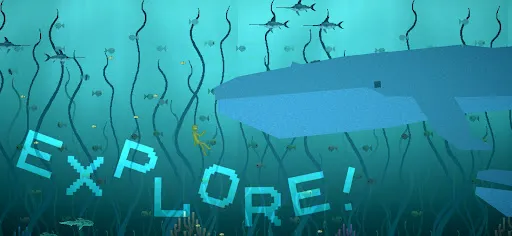
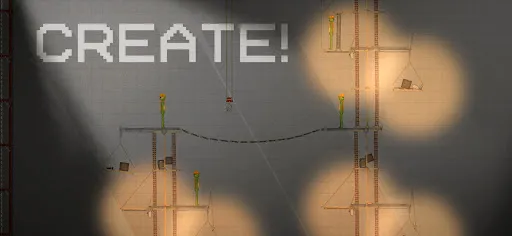
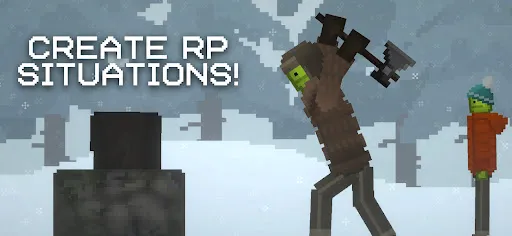
It is this object diversity combined with flexible physics interactions that turns Melon Sandbox into a place where players can freely innovate and create countless interesting situations based on their own ideas.
The Living in Melon Sandbox
Spawning a Living:
In Melon Sandbox, the characters are called “Living.” You can spawn them into the stage by dragging and dropping them from the Living tab, which features a heart icon on the left interface of the screen.
The “life” mechanic:
Unlike most other objects in Melon Sandbox, a Living possesses a “life” mechanic. This means they will not just lie still after being placed into the stage; instead, they will automatically get up and maintain a standing posture, even when hit or subjected to strong physical impacts. However, Living can still get injured and die. They can take damage from almost any object in the stage, especially weapons. When the amount of damage exceeds their endurance limit, the Living will lose their “life” mechanic, lying motionless on the ground and unable to stand up on their own anymore.
Ragdoll and body part physics
The body of a Living is designed similarly to a human body, featuring a head, torso, two arms, and two legs. Each part has its own hitbox, allowing for independent physics interactions with other objects. Furthermore, these parts are connected to each other via a ragdoll mechanic. Therefore, when subjected to environmental impacts or collisions, the entire body will automatically calculate the physics, generating highly amusing movements and postures.
Equipping the Living
In Melon Sandbox, you can also customize your Livings by putting helmets, armor, or other accessories on them. Objects and weapons can also be equipped easily through a simple drag-and-drop action onto the Living. Since a Living has two arms, they can hold two different objects or weapons at the same time. However, if both arms are severed during gameplay, the Living will lose the ability to hold any objects at all.
Other features in Melon Sandbox
In addition to the diverse system of Livings, objects, and mechanics, Melon Sandbox provides several features to assist players in building their worlds and creating scenarios exactly as they wish.
World Pausing (Pause) is the most important feature in the game. You can activate it via the virtual button in the top-right corner of the screen. When the world is paused, all physics mechanics stop working, and all objects and Livings will freeze in place. However, you can still drag and drop, reposition, or add new objects to the stage. Note that object features and mechanics cannot be triggered during this time.
Located right next to the pause button is the Slow Motion feature, which allows you to slow down all the action in the stage. When activated, the world’s operational speed decreases, making it easier for you to observe physics reactions or minor details in complex scenarios. Unlike pause mode, Slow Motion still allows you to interact with and trigger object features as normal.
Additionally, Melon Sandbox features Grid Snap, which helps arrange objects accurately and neatly. This feature can be turned on in the camera toolkit in the top-right corner of the screen. Once activated, objects or Livings will automatically align with hidden grid lines in the stage when moved. Thanks to this, you can place objects with greater precision, which is especially useful when constructing buildings or creating complex structural systems.
Download Melon Sandbox MOD APK for Android
With its free-form gameplay, interesting physics system, and countless creative tools, Melon Sandbox offers players a space to freely experiment and bring all their fun ideas to life. If you love creativity and want to build your own unique scenarios, Melon Sandbox is definitely a game you should experience.





Leave a Comment