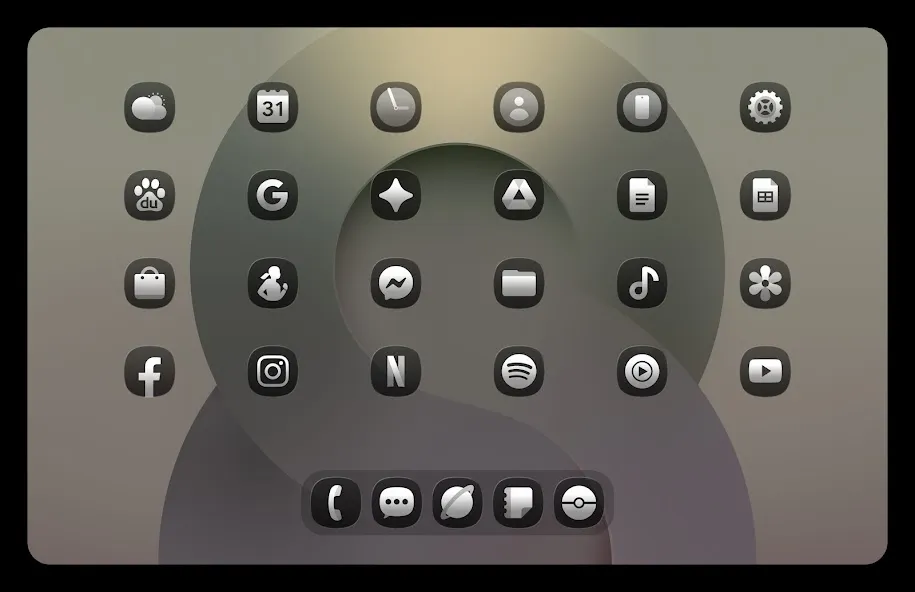
If you’re used to seeing colorful icons on your phone and want to switch to a more subdued interface, you can try OneGlass (Dark) Icon Pack. Its icons are designed like dark glass, creating a distinctly different feel compared to the default app icons. When placed alongside a suitable wallpaper, these icons make the home screen look more seamless, especially for those who prefer a dark theme and don’t want an interface with too many bright colors.

OneGlass (Dark) Icon Pack v2.4 MOD APK (Paid/Patched)
| Name | OneGlass (Dark) Icon Pack |
|---|---|
| Publisher | Eatos |
| Genre | Personalization |
| Size | 42 MB |
| Version | 2.4 |
| MOD Info | Paid/Patched |
| Get it On |

|
MOD Info
- Paid/Patched
Refresh Your Screen with Dark Glass Icon Pack
Over 4,400 Glass-Style Icons
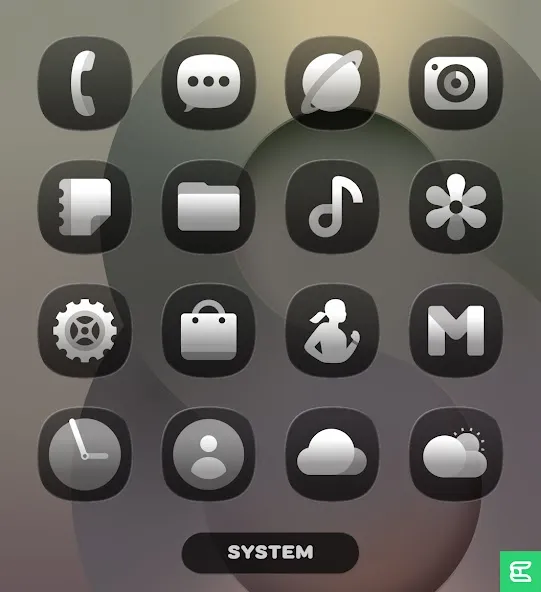
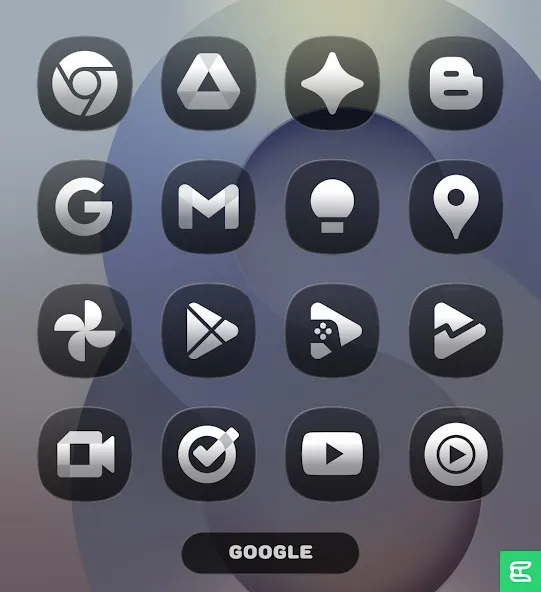
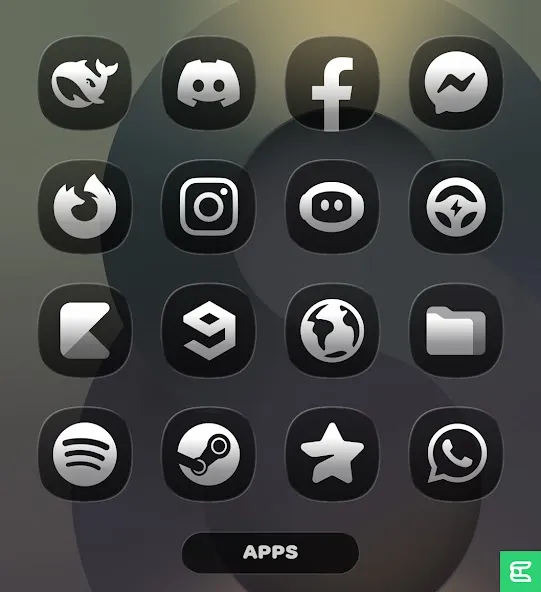
OneGlass (Dark) has over 4,400 icons designed in a dark glass style, so when replacing the default icons, the apps on your screen will have a more consistent look while still maintaining the unique character of each image. If you don’t like the pre-selected icon styles, you can also view alternative versions to find one that suits your taste, such as choosing icons with higher contrast or that match your current wallpaper.
Choose Icons That Match Your Screen
After installing the icon pack, you can change the icons of frequently used applications and rearrange your screen according to your habits. If you haven’t found suitable icons yet, try alternative templates or submit a request for more directly in the app.
Complete Your Interface with Wallpapers and Widgets
Combine with Dark Wallpapers
The app provides 347 wallpapers for you to choose from and combine with dark glass icons, creating a more harmonious interface. You can also use your personal wallpaper if you want to keep your favorite photo while still changing the icon style.
Use Dynamic Calendar on Your Screen
OneGlass supports dynamic calendars, allowing calendar icons to display dates without opening a separate application. To apply the icon pack, you need to use a compatible launcher or a supporting tool such as Theme Park on some Samsung devices.
Download OneGlass (Dark) Icon Pack MOD APK for Android
Want your Android screen to look fresher with modern and synchronized dark glass icons? Download OneGlass (Dark) now to discover a unique icon pack, combine it with your favorite wallpaper, and customize the interface to your own style!
Download OneGlass (Dark) Icon Pack
Download (42 MB)You are now ready to download OneGlass (Dark) Icon Pack for free. Here are some notes:
- Please read our MOD Info and installation instructions carefully for the game & app to work properly
- Read the FAQ carefully for more details
5/5 (2 votes)



Leave a Comment